Desktop CNC Machines: Cost, Capabilities, and Limitations
18 min
- What Is a Desktop CNC Machine?
- How Much Does a Desktop CNC Machine Cost?
- What Determines Whether a Desktop CNC Machine Is Cost-Effective?
- What Is a Desktop CNC Machine Best Suited For?
- What Are the Limitations of Desktop CNC Machines?
- When Is Outsourcing CNC Machining More Cost-Effective?
- How to Calculate the Break-Even Point: Desktop CNC vs. Outsourcing
- Desktop CNC Machines FAQs
- Conclusion: Is a Desktop CNC Machine Cost-Effective?
Key Takeaways
- Desktop CNC machines commonly range from under $1,000 for basic routers to several thousand dollars for better-equipped mills and routers, while specialized 5-axis systems can reach well into the five-figure range. Tooling, workholding, software, fixturing, and other setup costs can add another $1,000$5,000 or more depending on the machine and application.
- Desktop CNC machines are well suited to prototyping, smaller parts, softer materials, and learning CNC fundamentals.
- Desktop CNC machines can handle some aluminum machining and small-batch production, but their lower rigidity, spindle power, workholding capacity, and automation generally limit material-removal rate, cycle time, and consistency compared with industrial CNC machines.
- Whether one is cost-effective depends almost entirely on what you need to make, how often, and whether you've honestly accounted for all the costs, including your own time.
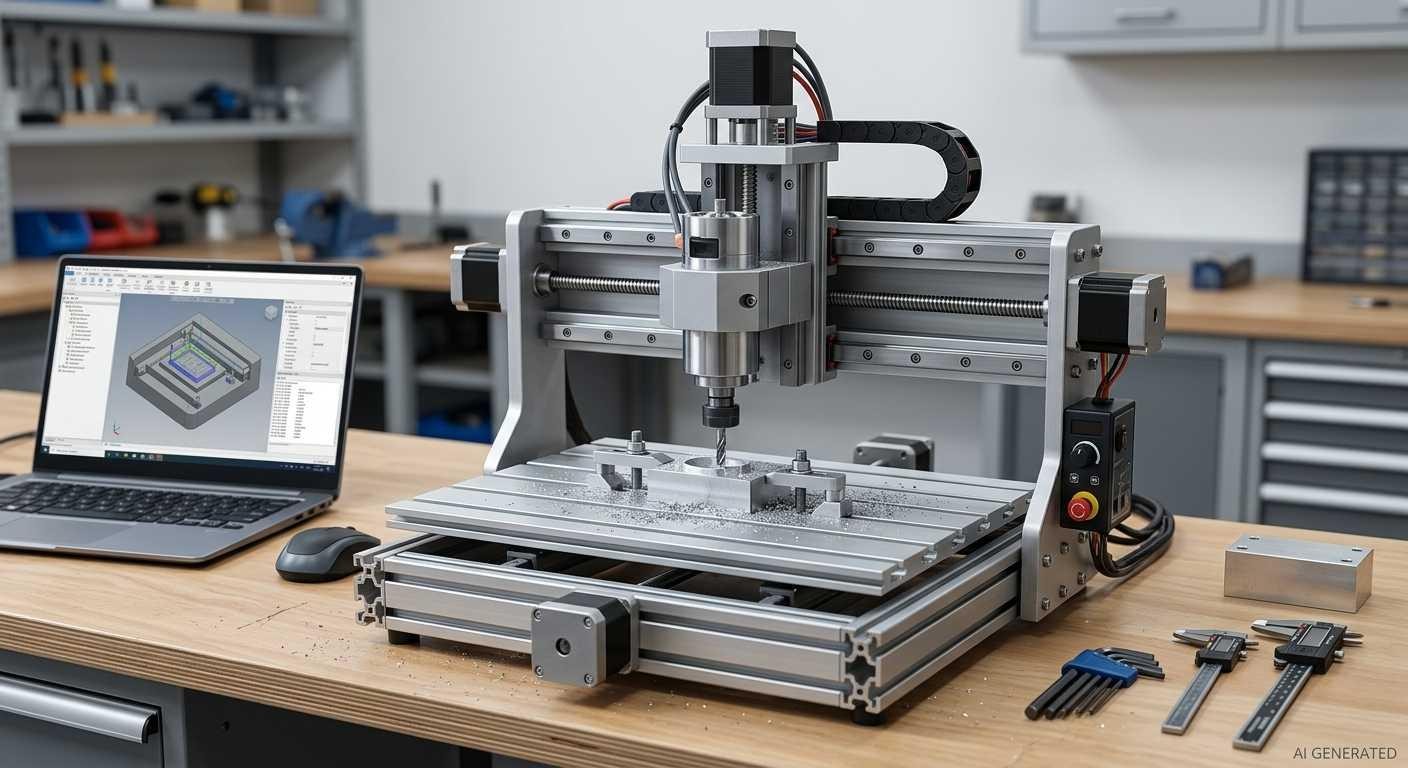
Desktop CNC milling machine on a workbench
The appeal of desktop CNC is straightforward: a machine that fits on a workbench can allow users to make parts in-house without waiting for supplier quotes, production queues, and shipping. For some people and some applications, that pitch delivers. For others, and this is the part that doesn't usually appear in product listings, it becomes an expensive machine that sits underutilized because the reality of running one turns out to be more demanding than expected.
This guide is about cutting through that gap. What desktop CNC machines actually are, what they actually cost when you count everything, where they genuinely work well, and when the math of outsourcing beats the economics of owning one.
What Is a Desktop CNC Machine?
Desktop CNC machines typically have a much smaller work envelope than industrial machining centers. Compact models may provide around 200 x 200 mm of X-Y travel, while larger desktop and benchtop machines can provide substantially more. A CNC controller executes programmed toolpaths and commands the machine's motion system, which may use stepper or servo motors to move the spindle and workpiece along controlled axes.
The "desktop" part matters more than it might seem. It's not just about physical size. Smaller machines mean lighter frames, which means less rigidity, which directly limits what the machine can do. Industrial CNC mills use substantially heavier and more rigid structures, typically installed on a dedicated floor foundation or mounting system, to control vibration and structural deflection under machining loads. This higher rigidity allows more aggressive cutting conditions and more consistent machining of difficult materials. A compact desktop milling machine may weigh roughly 2080 kg, although larger benchtop systems can be substantially heavier. That difference in machine mass and structural stiffness has direct implications for cutting force, vibration, tool deflection, and practical depth of cut.
Desktop CNC machines generally fall into two broad machine styles: routers designed primarily for sheet goods, wood, plastics, and lighter cutting, and more rigid desktop or benchtop mills intended for metal machining. Some higher-end systems also add fourth- or fifth-axis capability for multi-sided or simultaneous machining.
If you're specifically comparing desktop 5-axis machines with industrial machining, see our guide to Desktop 5-Axis CNC Machines.
Compared with industrial machining centers, desktop CNC machines generally have smaller work envelopes, lower available cutting power, lower throughput, or less structural rigidity, although the gap varies substantially between machine classes.
How Much Does a Desktop CNC Machine Cost?
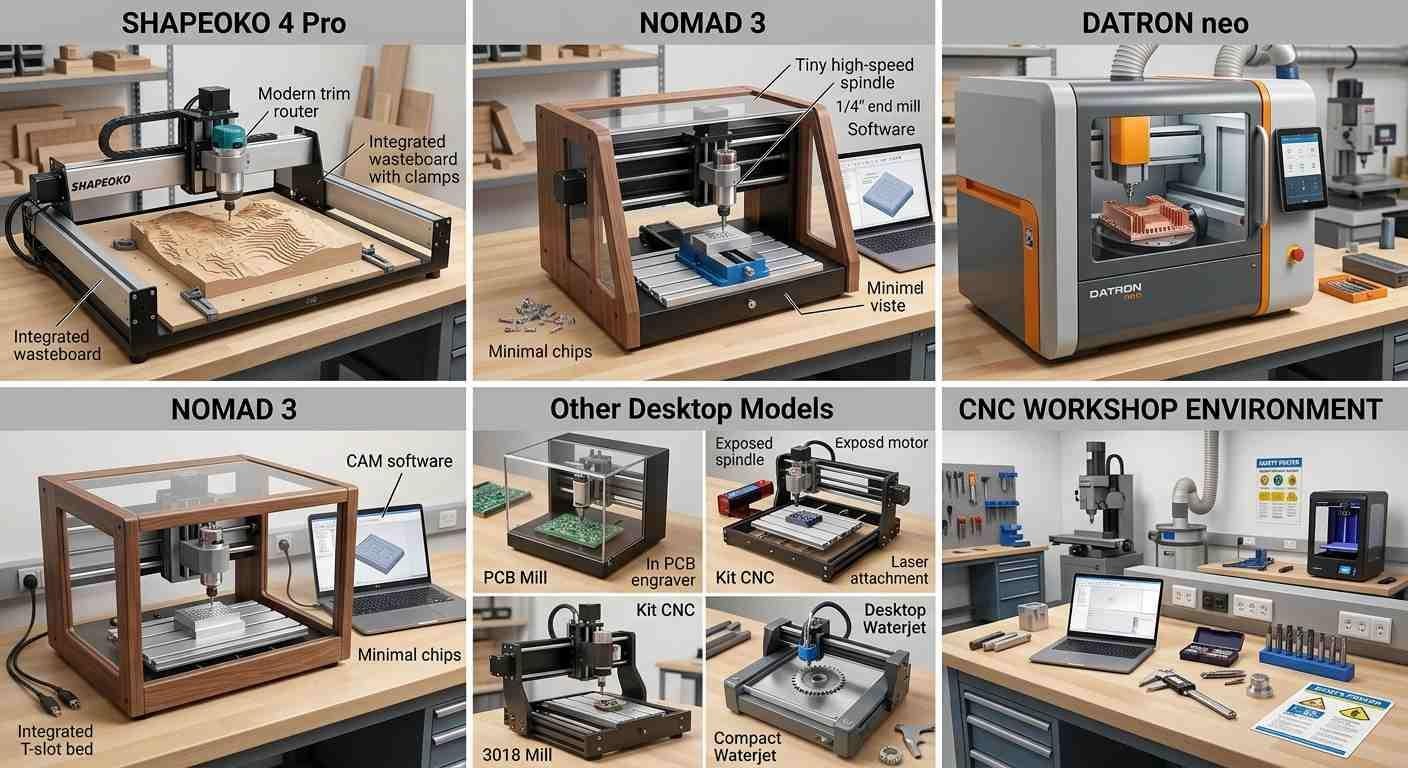
Different types of desktop CNC machines
Machine Purchase Price
The desktop CNC machine price range is wide enough that "how much does a desktop CNC machine cost" doesn't have a single answer. Roughly:
- Basic desktop CNC routers can start below $1,000, while better-equipped hobby and prosumer routers commonly fall in the $1,500$4,000 range.
- Better-equipped desktop mills and routers commonly fall around $4,000$10,000, depending on spindle, enclosure, motion system, work envelope, tooling, and automation features. These machines typically offer greater structural stiffness and more capable spindle and motion systems, making them better suited to controlled metal machining.
- Desktop 5-axis CNC machine prices vary widely because the category includes compact hobby machines, prosumer systems, and specialized micro-milling equipment. Entry-level 5-axis machines can now appear below $10,000, while specialized professional systems can cost tens of thousands of dollars. Desktop 5-axis systems can provide simultaneous multi-axis machining in a compact form factor, but their higher hardware and CAM costs change the economics considerably.
For a 5-axis machine, compare not only price but also simultaneous 5-axis capability, rotary-axis range, workpiece capacity, spindle power, tool changing, and CAM requirements.
Tooling, Workholding, and Setup Costs
This is where a lot of buyers get surprised. The machine price is the beginning of the budget, not the whole thing.
For a broader breakdown of what actually drives CNC machining costs, see our guide to How CNC Machining Cost Is Determined.
- End mills, drills, and router bits add up. A starter set of carbide end mills and drills may cost roughly $100$300, but annual tooling cost depends heavily on material, cutting conditions, tool size, and machine utilization. Aluminum production, for example, can consume tooling much faster than occasional work in wood or plastics.
- Workholding such as vises, clamps, T-slot accessories, and vacuum tables can add roughly $200$800, depending on the machine and how extensively it is equipped. Bad workholding causes scrapped parts and broken tools, so this isn't a place to cut corners.
- CAM cost depends on the required toolpaths and license eligibility. Confirm that the license permits your intended use and that the software supports the required machining operations and a compatible post processor for your machine. Advanced features, such as simultaneous multi-axis machining, may require a separate extension or a different subscription. Include the actual cost of the required license and any extensions in your ownership calculation.
- Dust collection, acoustic or safety enclosures, spoil boards, probing equipment, and measurement tools can add several hundred dollars or more, depending on the machine and application.
A realistic ownership budget should be calculated from the specific machine rather than a fixed percentage of the purchase price. Add required tooling, workholding, software, enclosure or dust collection, measurement equipment, maintenance, and installation costs that are not included with the machine.
Ongoing Operating Costs
Running a desktop CNC machine isn't free after setup. For many desktop CNC users, tooling and operator time are among the most significant recurring costs. Programming, fixturing, work-offset setup, test cuts, and troubleshooting can add substantial labor even when the machine itself is inexpensive to operate.
Maintenance on ball screws, rails, and spindle bearings isn't frequent but it's real. Spindle, linear-motion, and drive-system replacement costs are highly model-dependent, so these should be treated as machine-specific maintenance risks rather than a fixed annual expense.
The cost that's hardest to account for honestly is time. The operator also needs time for CAD/CAM preparation, workholding, work-offset setup, probing, feeds-and-speeds selection, test cuts, inspection, and troubleshooting. For a business, this time should be treated as part of the operating cost. Programming parts in CAM, setting up work offsets, probing, running test cuts, these aren't instantaneous. For a hobbyist, that time might be the point. For a small business trying to compare owning versus outsourcing, it's a labor cost.
What Determines Whether a Desktop CNC Machine Is Cost-Effective?
A desktop CNC machine is generally cost-effective when the machine can meet the required material, part size, tolerance, and production volume while its annual ownership and labor costs remain below the cost of outsourcing the same work. The key comparison is not machine price alone but the annual cost of producing the same parts in-house versus outsourcing them.
Machine Capability and Required Performance
The first question is whether the machine can actually make what you need. This sounds obvious but it's where a lot of desktop CNC purchases go wrong, buying a machine based on its potential capability without honestly evaluating whether it can hold the tolerances, cut the materials, and achieve the surface finish the application requires.
A desktop router cutting simple wood parts for a small operation can be highly cost-effective, particularly when the required volume is modest and rapid in-house turnaround has value. A desktop milling machine may produce relatively tight tolerances on favorable geometry and under carefully controlled conditions, but the achievable part tolerance depends on machine accuracy and repeatability, rigidity, tool deflection, workholding, thermal conditions, material, and inspection method. A nominal machine specification should therefore not be treated as a guaranteed finished-part tolerance.
To understand how machine rigidity, spindle power, tooling, and thermal behavior affect metal-cutting performance, see our guide to the best CNC machines for metal.
When a desktop CNC machine cannot reliably meet the requirements of a part, outsourcing can be a more practical approach than investing in additional equipment. JLCCNC provides custom CNC machining with engineering review and precision capabilities down to 0.02 mm for suitable applications. Upload your CAD file for a project-specific quote.

Precision CNC Machining Service
Professional manufacturing, fast turnaround, and quality assurance.
Material and Part Requirements
Soft materials, wood, plastics, foam, carbon fiber composite, are where desktop CNC machines live comfortably. Aluminum is possible on better desktop mills but requires appropriate feeds, shallow depths of cut, good workholding, and accepting lower throughput than an industrial machine.
Steel is a different story. Most desktop CNC machines aren't rigidly built enough to cut steel productively. Some desktop mills can make light cuts in mild steel, but the allowable depth of cut and feed rate are usually much lower than on industrial machines, making productive steel machining difficult.
Part size obviously matters too. If your parts don't fit in the work envelope, the machine can't make them regardless of everything else.
Production Volume and Cycle Time
Desktop machines are slow. Not because the control systems are slow, but because lower rigidity means lower cutting forces, which means shallower depths of cut and slower feed rates. Cycle time can be substantially longer on a desktop machine because lower rigidity and spindle power often require lighter cutting parameters. The difference is part-specific, so a fixed multiplier should not be used when comparing desktop machining with outsourcing.
At very low volumes, such as a few parts per week, the longer cycle time may have little economic impact if operator time is readily available. At higher volumes, cycle time becomes a more important cost driver. At higher volumes, the cycle time comparison against outsourcing changes the economics significantly.
Labor, Tooling, and Maintenance
A machine that runs unattended while you do other work is different from one that requires babysitting. Most desktop CNC machines need more hands-on attention than industrial machines because they're less robust, less well-proven in production environments, and have less sophisticated control systems for handling unexpected situations. That labor cost is real even if it's your own time.
What Is a Desktop CNC Machine Best Suited For?
Prototyping and Design Iteration
This is one of the strongest use cases for desktop CNC machines. The ability to go from CAD file to physical part in a few hours, without waiting for a quote, purchase order, lead time, and shipping, compresses the design iteration cycle in a way that has real engineering value.
For a small team developing a product, being able to cut a new bracket design this afternoon and test it tomorrow morning is worth something. For soft materials and moderate tolerances, a desktop CNC machine delivers this reliably. The cost per prototype is low once the machine is paid for, and the turnaround time advantage is real.
Small Parts and Low-Volume Production
Small batches can be cost-competitive when the parts are simple, the machine requires little setup between pieces, and operator time is inexpensive or already available. Once setup, cycle time, inspection, and labor become significant, outsourcing may become cheaper even at relatively low quantities. The machine doesn't care whether it's cutting part number 3 or part number 30 with equal quality, assuming setup was done well. For specialty items, custom products, or low-volume components where outsourcing minimums or lead times are a problem, a desktop machine makes sense.
What Are the Limitations of Desktop CNC Machines?
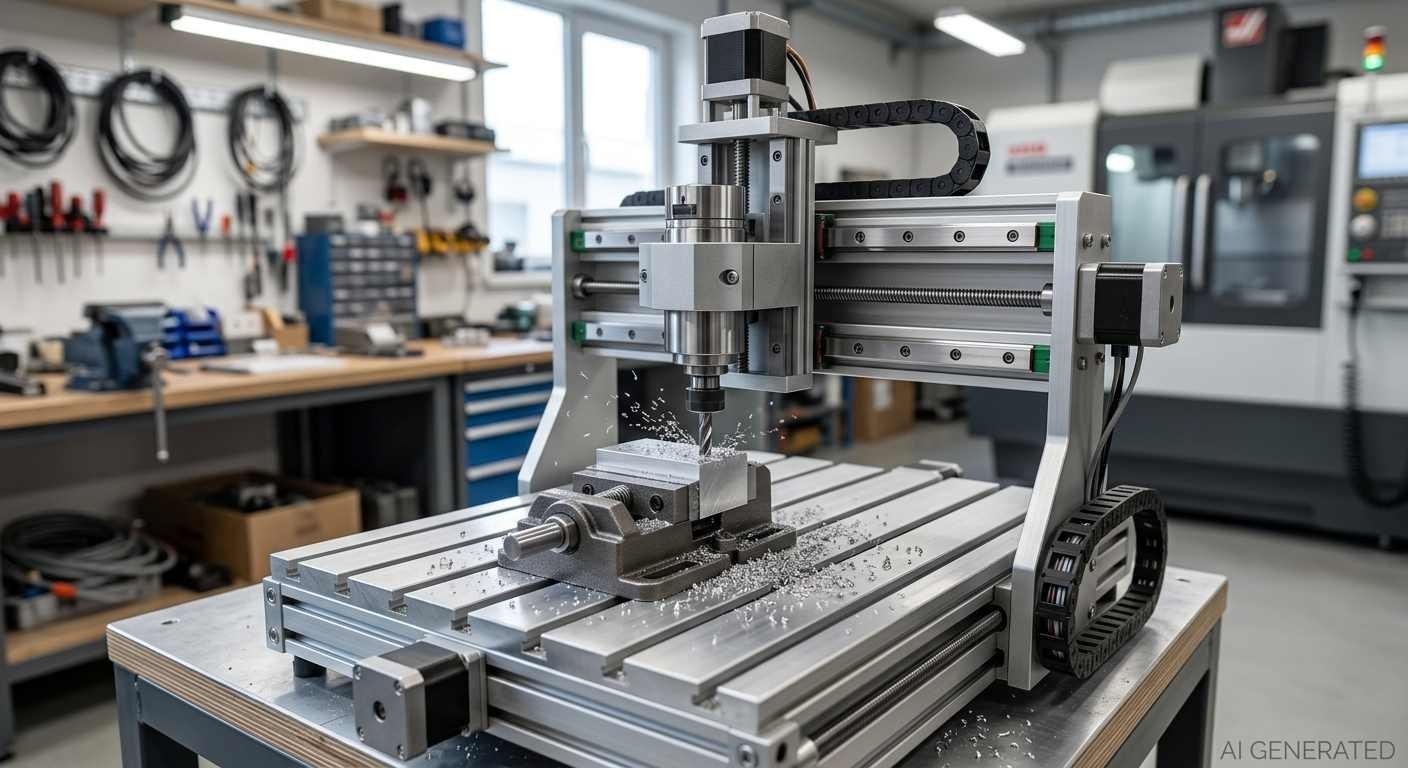
Desktop CNC milling metal part
Work Area and Part Size
Compact desktop CNC machines can have work areas around 200 x 200 mm, while larger desktop and benchtop systems provide substantially more travel. The available X, Y, and Z travel should be checked against the actual stock size and tool-access requirements of the part. Parts larger than this need either a different machine or clever fixturing and multiple setups, which adds time and introduces alignment errors. For smaller parts this is rarely a constraint. For larger components it's a hard limit.
Machine Rigidity and Cutting Performance
Rigidity is the central limitation. Machining forces act on the cutting tool, workpiece, and machine structure. On a rigid industrial machine, that force goes into a heavy fixed structure and doesn't produce meaningful deflection. On a desktop machine, the same force causes the frame to flex slightly, the tool to deflect, and the workpiece to vibrate. The result is chatter, poor surface finish, reduced dimensional accuracy, and accelerated tool wear.
The usual response is to reduce cutting forces through a shallower depth of cut, lower feed rate, or smaller tooling. These changes can improve stability, but they also reduce material-removal rate and throughput.
Material and Cutting Limits
The rigidity issue directly determines material capability. Wood and plastics: straightforward. Aluminum: possible with care, limited depth of cut. Some rigid desktop or benchtop mills can make light cuts in mild steel, but material-removal rates are generally much lower than on industrial machining centers. Rigidity, spindle power, workholding, tool deflection, and chip evacuation become increasingly restrictive as cutting loads increase.
Precision and Repeatability
Desktop CNC accuracy varies considerably by machine design and operating conditions. As a practical reference, some entry-level desktop routers may produce finished parts around +/-0.1 mm or looser, while better-built desktop mills may achieve roughly +/-0.0250.05 mm on favorable geometries under controlled conditions. These figures describe practical machining results, not guaranteed machine specifications. Actual part tolerance depends on the entire machining process.
Production and Automation Constraints
Many desktop machines are not designed for the same level of continuous, unattended production as industrial machining centers. They may lack automatic tool changers, automated workholding, chip management, or other production-oriented features, and workpiece changes often require manual intervention.
When Is Outsourcing CNC Machining More Cost-Effective?
Owning a desktop CNC machine makes economic sense in specific situations. Outsourcing CNC machining makes more sense in others. The honest version of this comparison includes all costs.
Outsourcing generally becomes more attractive when a part exceeds the practical capabilities of the desktop machine or when machine utilization is too low to justify the ownership cost. Operator time also matters: a machine can appear inexpensive on a per-part basis while becoming uneconomical once programming, setup, inspection, and troubleshooting are included.
Owning makes more sense when rapid iteration has significant value and the machine will be used frequently enough to spread its fixed costs. The calculation is strongest when the parts already fall comfortably within the machine's practical capability.
How to Calculate the Break-Even Point: Desktop CNC vs. Outsourcing
The break-even calculation is straightforward once you've honestly gathered the numbers.
For a practical ownership comparison, calculate the annual cost of operating the machine rather than looking only at depreciation. Include the annualized machine investment, tooling, workholding, software, maintenance, electricity and consumables, scrap or rework, and the labor required for programming, setup, operation, and inspection.
Annual in-house cost = annualized machine investment + tooling + maintenance + software + consumables + labor + other operating costs
Annual outsourcing cost = quoted cost per part x annual quantity
The machine is economically attractive when the annual savings from in-house production justify the initial investment and the additional operating risk. For a cash-payback calculation, compare the initial machine investment with actual annual cash savings rather than using depreciation alone.
Example. A $6,000 desktop milling machine with 5-year life costs $1,200/year depreciation. Add $600/year tooling, $300/year maintenance, $200/year software. That's $2,300/year before labor. If you spend 10 hours per month running and programming the machine at $50/hour effective rate, that's another $6,000/year. Total: $8,300/year.
If you're outsourcing at $80/part and making 200 parts per year, that's $16,000. Under these assumptions, in-house production has a lower estimated annual operating cost than outsourcing. The actual payback period would still depend on the initial cash investment, machine utilization, residual value, and any additional ownership costs. If you're making 50 parts per year at $80 each, outsourcing costs $4,000 versus the machine's $8,300. The machine doesn't pay off.
Break-even quantity = Initial machine investment / (Outsourced cost per part - In-house variable cost per part)
This simplified formula works best when fixed ownership costs and variable production costs are separated. A more complete model should also account for labor, tooling, maintenance, scrap, financing, and machine utilization.
The labor number is the one that most desktop CNC purchase justifications leave out. Include it honestly and the break-even volume is usually higher than people initially estimate.
Desktop CNC Machines FAQs
Can a desktop CNC machine cut aluminum?
Yes. More rigid desktop milling machines can machine aluminum when the tooling, feeds and speeds, workholding, and depth of cut are appropriate. Desktop routers may also machine aluminum in light-duty applications, but their rigidity and spindle configuration often limit cutting performance.
How accurate is a desktop CNC machine?
These are reference ranges rather than universal specifications. As a practical reference, better-built desktop mills may produce finished parts around +/-0.0250.05 mm under favorable conditions, while entry-level routers may be closer to +/-0.10.2 mm depending on the material, geometry, setup, and cutting conditions. These are reference ranges rather than universal specifications. Machine repeatability, backlash, tool deflection, thermal variation, workholding, and inspection method all affect the final result.
Can a desktop CNC machine cut steel?
Some rigid desktop or benchtop mills can make light cuts in mild steel, but cutting performance is usually limited by spindle power, machine rigidity, workholding, tooling, and chip control. For repeatable production in steel, an industrial machining center or qualified machining supplier is generally the more practical option.
Can a desktop CNC machine be used for production?
Yes, for low-volume production of relatively simple parts in wood, plastics, and light-duty aluminum applications. Cycle times are longer than industrial machines, and the manual intervention required for workpiece changes limits throughput, but small production runs are realistic. For anything requiring consistent tight tolerances, harder materials, or higher volumes, the limitations of desktop machines make them poorly suited to production use.
Is a desktop CNC machine better than outsourcing?
It depends on the parts and the volumes. Desktop CNC machines win on iteration speed and low per-part cost for parts genuinely within their capability. Outsourcing generally offers broader material and process capability, higher production throughput, and easier access to tighter process control. The honest break-even calculation, including your own labor time, usually shows that outsourcing is more economical unless you're making enough parts frequently enough to justify the machine cost and the time to run it. For many small operations, a hybrid approach makes sense: desktop CNC for prototypes and quick iterations, outsourcing for production quantities and precision work.
Precision CNC Machining Service
Professional manufacturing, fast turnaround, and quality assurance.
Conclusion: Is a Desktop CNC Machine Cost-Effective?
For the right application, a desktop CNC machine can be cost-effective, particularly when rapid iteration matters and the machine is used frequently enough to justify its fixed costs.
For anything requiring tight tolerances in hard materials, production volumes that demand throughput, or precision that goes beyond what a lightweight machine can consistently deliver, the honest answer is usually no. The machine capability doesn't match the requirement, and the economics of outsourcing beat the economics of owning an underutilized machine that struggles with the work.
The question to ask before buying: will this machine actually make the parts I need, at the tolerances I need, in the volumes I expect, at a cost that beats outsourcing when I include my own time? If the machine can meet the required material, geometry, tolerance, throughput, and labor constraints, ownership may be justified. When the economics are uncertain, outsourcing a representative set of parts can provide a useful cost baseline before committing to a machine purchase.
When a desktop CNC machine cannot reliably meet the required material, tolerance, part size, or production volume, JLCCNC provides custom CNC machining with online quoting, engineering review, and precision machining capabilities down to 0.02 mm for suitable applications.
Upload Your Files for an Instant CNC Quote at JLCCNC.
Popular Articles
• What is Swiss Machining: Swiss CNC Machines and Their Precision
• Desktop 5-Axis CNC Machine: Own One or Outsource to Industrial Services?
• How a Laser Cutter Operates
• The Superiority of CNC Routers Over Laser Cutters in Modern Manufacturing
• Best CNC Machines for Metal: A Guide for Choosing Between Mills, Routers, and Press Brakes
Keep Learning
What is Swiss Machining: Swiss CNC Machines and Their Precision
What is Swiss Machining? (Freepik) When you hear people talk about the “gold standard” in precision manufacturing, they're usually talking about Swiss machining. Swiss machining traces its roots back to 19th-century Switzerland, where it was originally developed for the watchmaking industry. When you're dealing with gears and components smaller than a fingernail, you need more than just accuracy, you need repeatable precision at a microscopic level. That's where the Swiss lathe came in. At its core, S......
5 Signs You Need a CNC Machine for Your Metal Project
You’ve got a metal project on your hands, maybe a few prototypes, maybe a production run, and you're wondering if it’s time to upgrade your toolkit. CNC machines aren’t just fancy toys for industrial giants anymore. Today, shops of all sizes rely on them to cut, mill, drill, and shape metal with unshakable accuracy. But when is the right time to make that leap? This isn’t just about having cool equipment. It’s about knowing when manual methods, traditional tools, or even outsourcing just aren't cuttin......
How to Make a CNC Machine at Home: DIY CNC Router & Lathe Guide
How to Make a CNC Machine? (Reddit) Why would anyone want to build their own CNC machine at home? Isn't that super complicated? Honestly, that's the fun of it. Figuring out how to make a CNC machine can be both exciting and surprisingly cost-effective. Think of it like combining engineering curiosity with the satisfaction of saying, “Yep, I built that myself.” For hobbyists, small workshops, or even engineers tinkering at home, DIY CNC machines open the door to custom fabrication without dropping thou......
Lathe vs Mill: Differences, Applications, and Machine Selection
Key Takeaways Lathe-vs-mill selection starts with the part, not the machine: a lathe is the more direct route for rotational features, while a mill suits prismatic geometry and features distributed across multiple faces. On a lathe the workpiece spins and the tool feeds; on a mill the cutting tool spins while the workpiece is held. That motion difference determines the geometry each machine produces efficiently. Workholding, feature access, setup count, and cross-feature tolerance relationships decide......
5-Axis CNC Machining: Why Is It Needed for Complex Parts?
Key Takeaways 3-axis CNC machining is often a practical and cost-effective choice when all critical features can be reached using a small number of straightforward setups, with the tool orientation fixed relative to the workpiece during each setup. A 5-axis machine can improve access to angled or multi-sided features and reduce re-clamping. These benefits can often be achieved with 3+2 positioning, without simultaneous 5-axis cutting. 3+2 machining uses two rotary axes to position the workpiece or cut......
Desktop CNC Machines: Cost, Capabilities, and Limitations
Key Takeaways Desktop CNC machines commonly range from under $1,000 for basic routers to several thousand dollars for better-equipped mills and routers, while specialized 5-axis systems can reach well into the five-figure range. Tooling, workholding, software, fixturing, and other setup costs can add another $1,000$5,000 or more depending on the machine and application. Desktop CNC machines are well suited to prototyping, smaller parts, softer materials, and learning CNC fundamentals. Desktop CNC mach......