Special Deal Design Guidelines
Last updated on Oct 23, 2026
Drawing Requirement Instructions
-
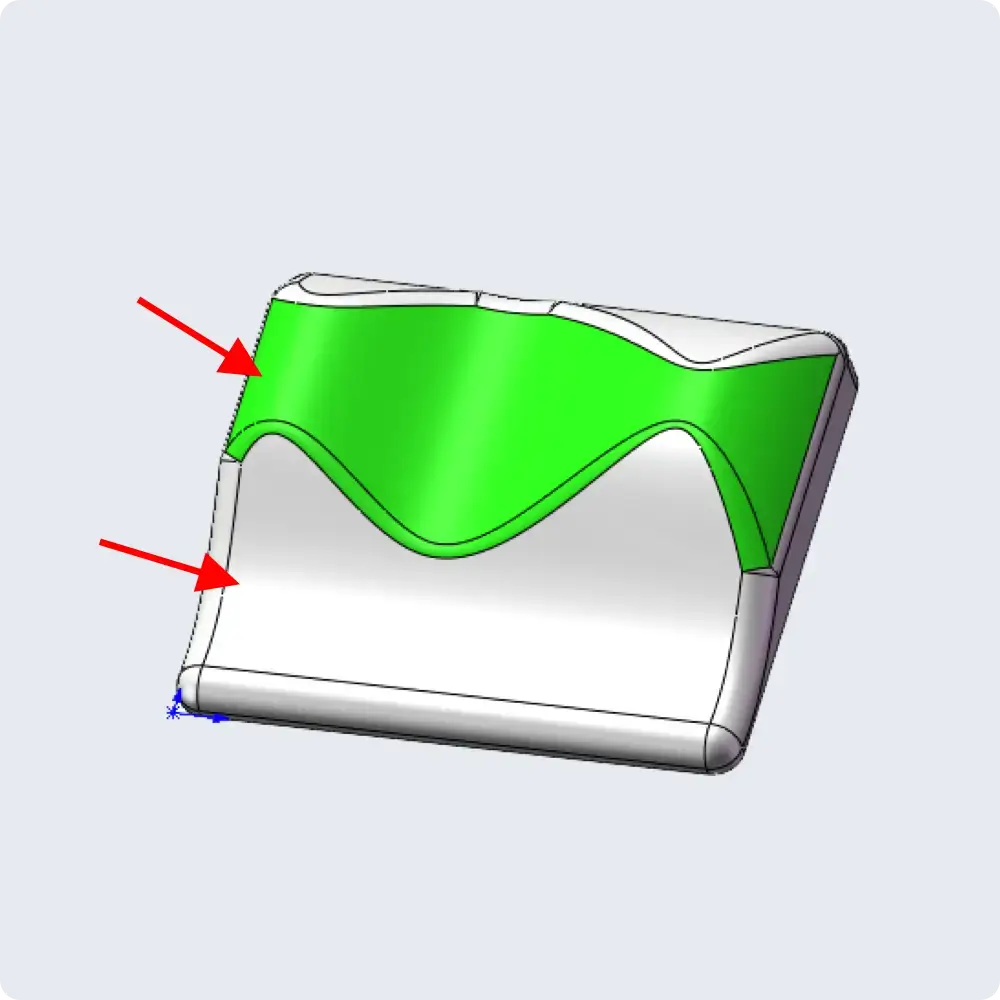
No complex 3D surfaces or organic contours;
-
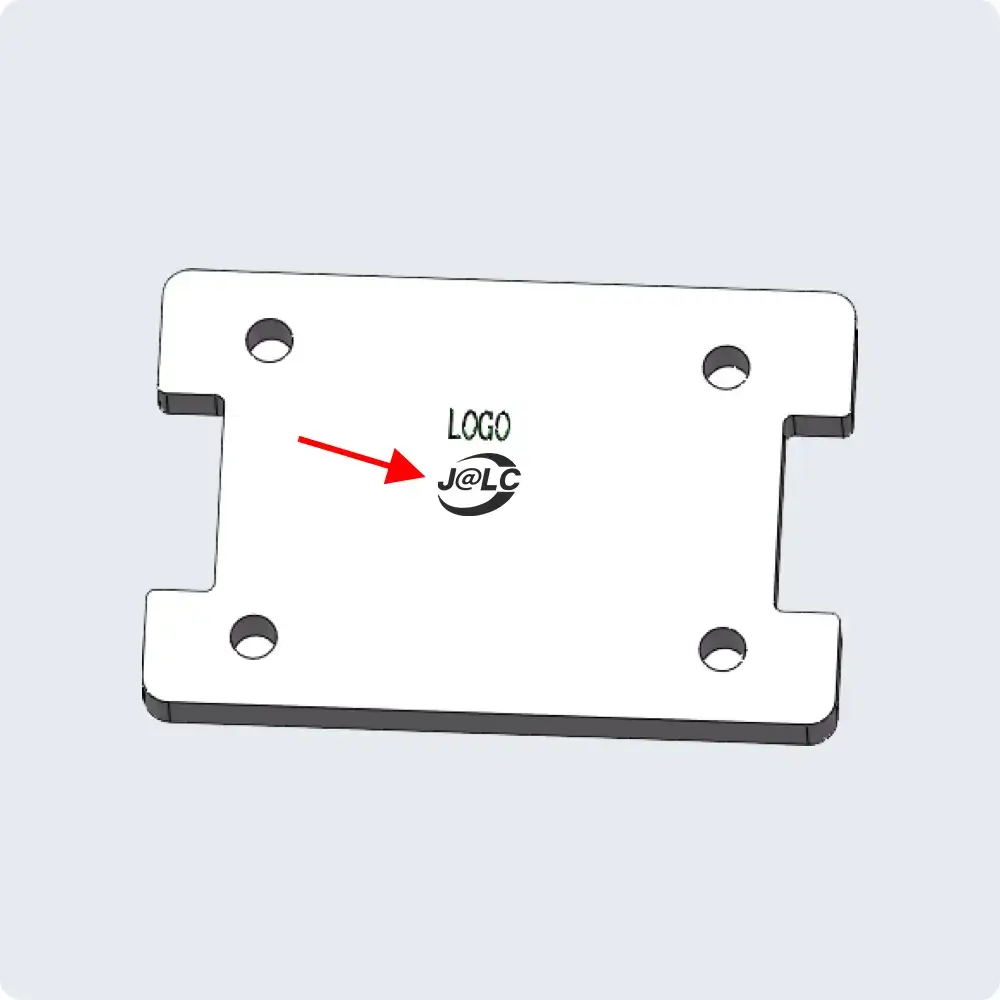
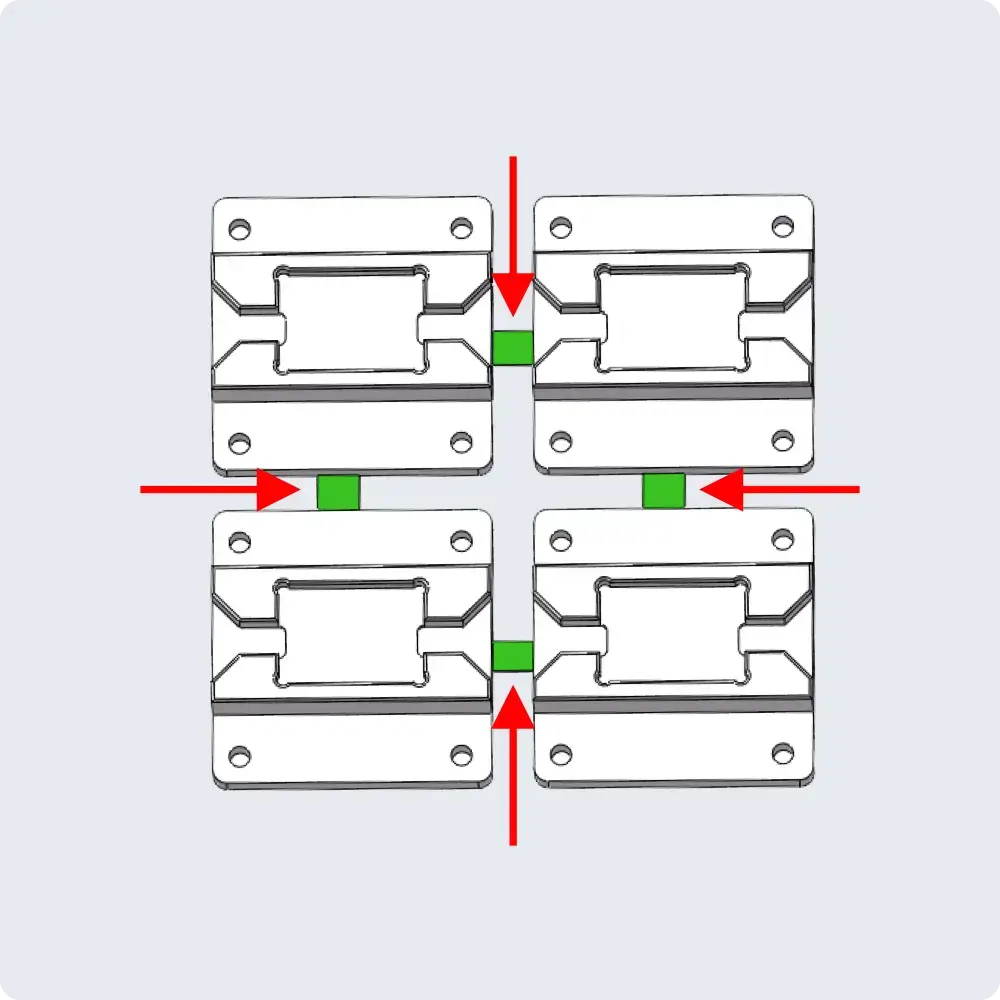
Panelization (arrayed boards), logos, or complex features are not supported. Final approval is subject to system review;
-
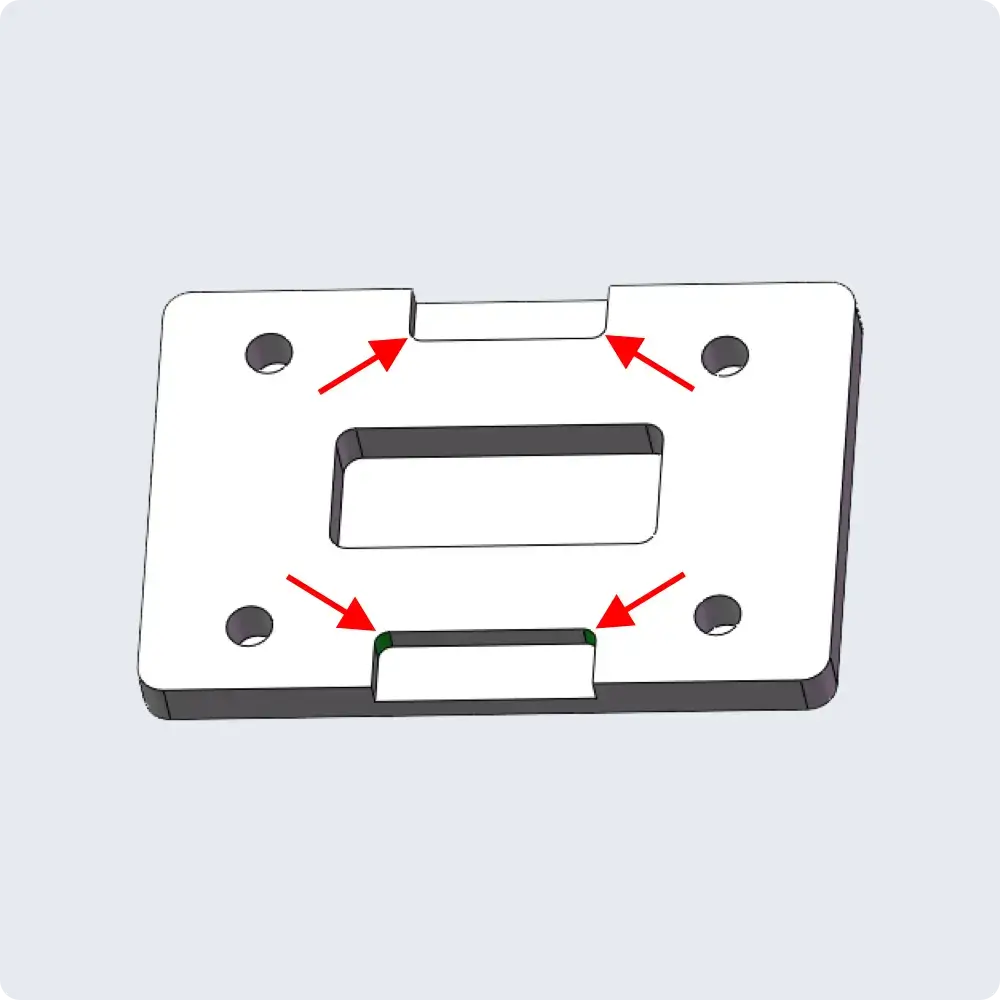
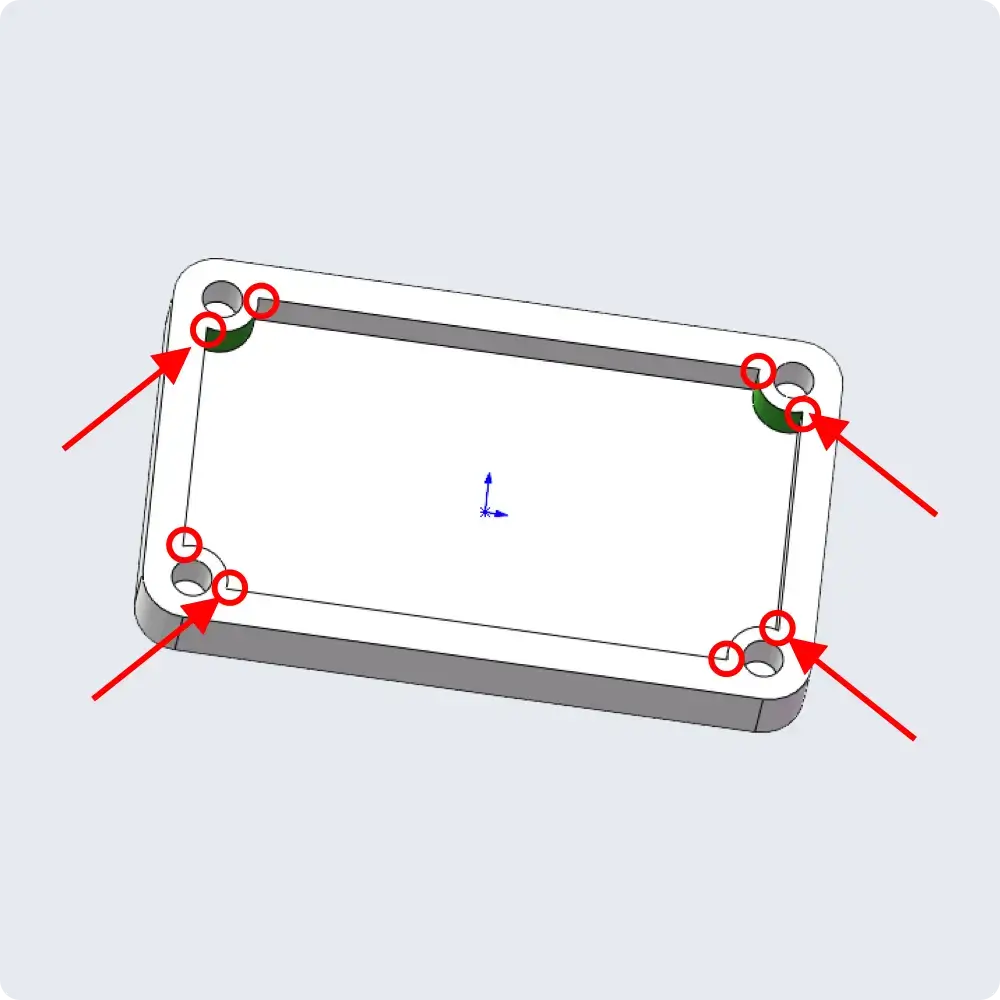
For parts ≤ 5 mm thick, internal sharp corners are relieved to a minimum radius of R0.5.
For parts > 5 mm thick, internal sharp corners are relieved to a minimum radius of R0.75
-
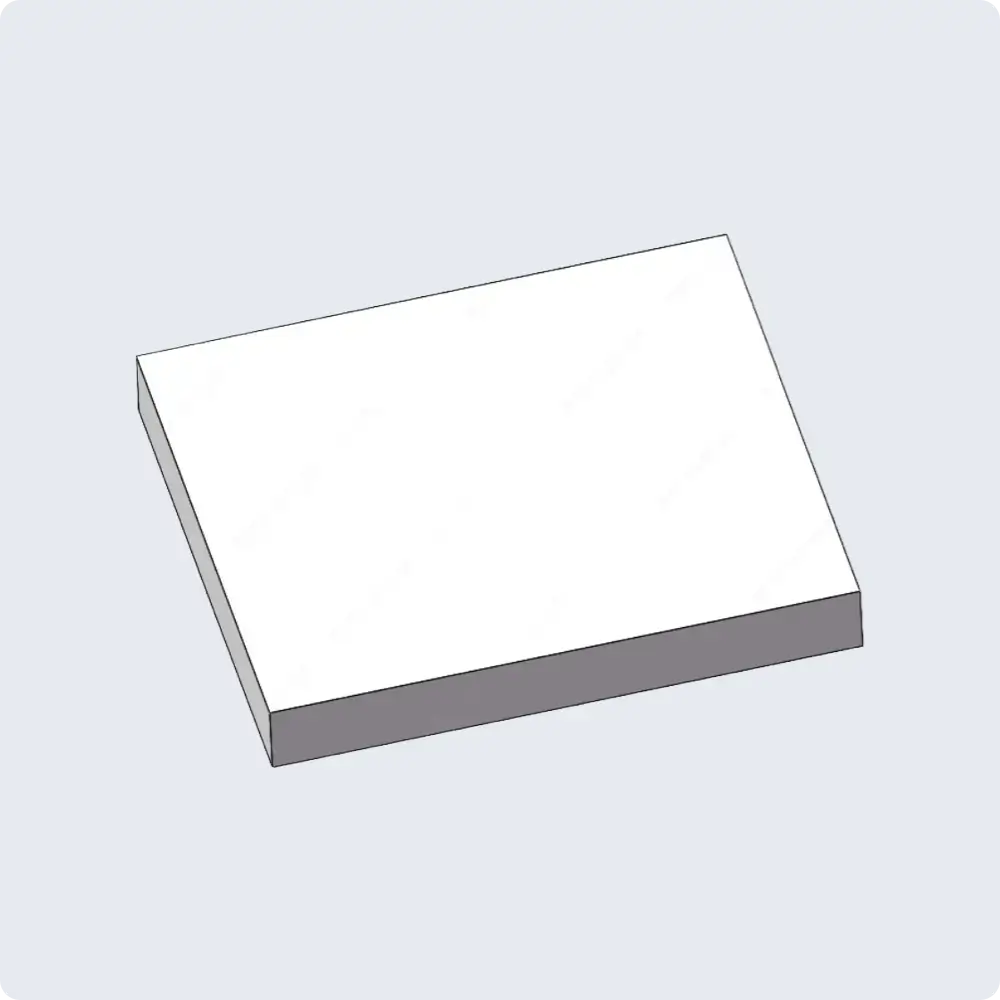
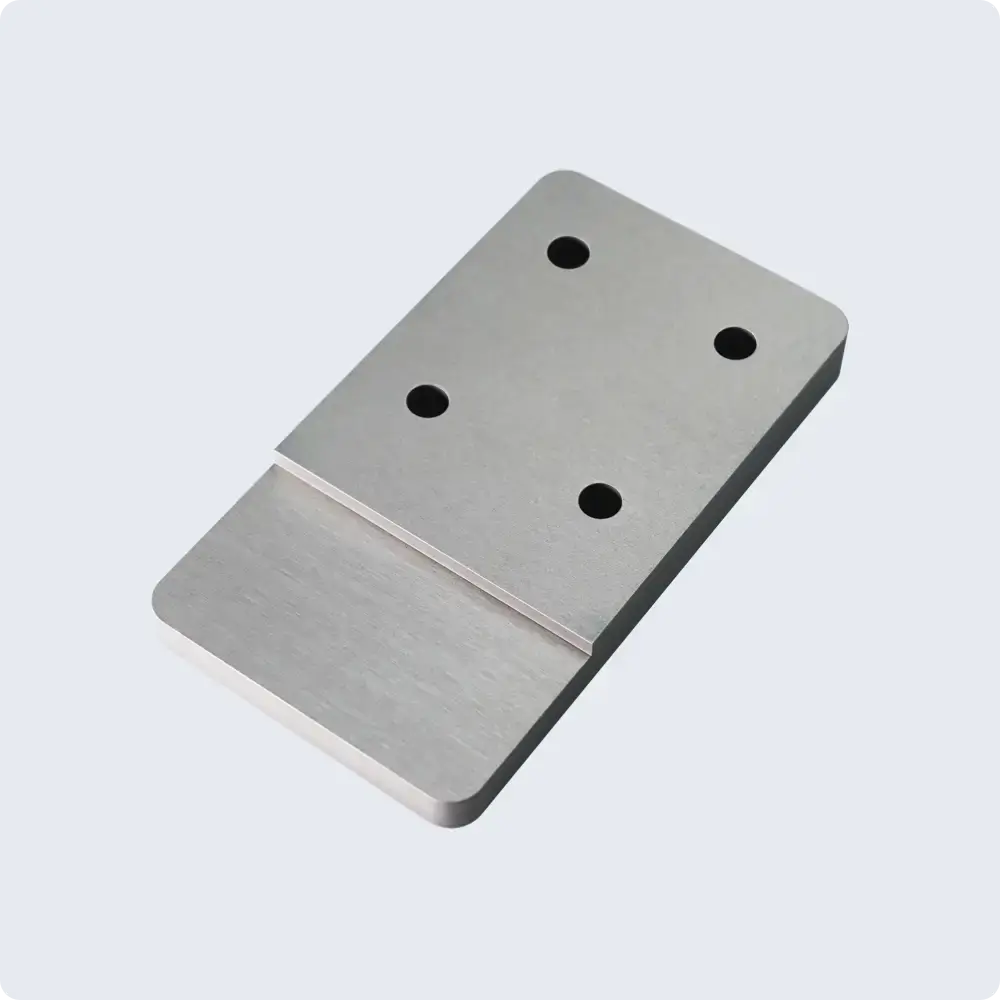
We do not support special‑offer prototyping for parts with overly simple designs (e.g., blank panels or simple plates with only a few drilled holes). JLC reserves the right to cancel such orders.
-
Create the hole in the 3D model using the specified pilot hole diameter. The system will automatically identify it as a threaded hole. Once confirmed, the thread will be machined accordingly.
Special Note on Chamfering
If no chamfer is modeled or non‑standard 45° flat chamfers are present in the model, parts will be deburred with a default C0.2 chamfer.
For flat chamfers in the model, please use standard 45° chamfers. Avoid radii or C‑chamfers other than 45°, otherwise the system may flag them as out‑of‑range.
Examples of Supported Models
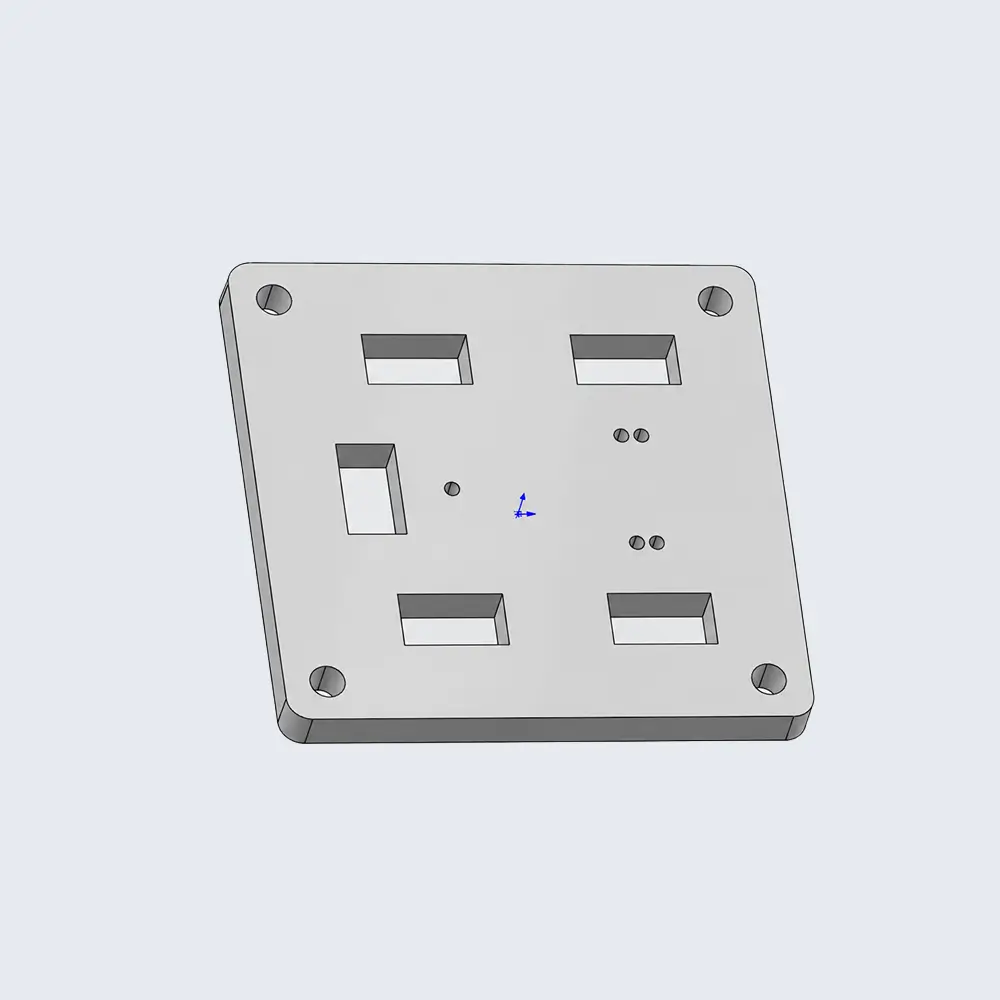
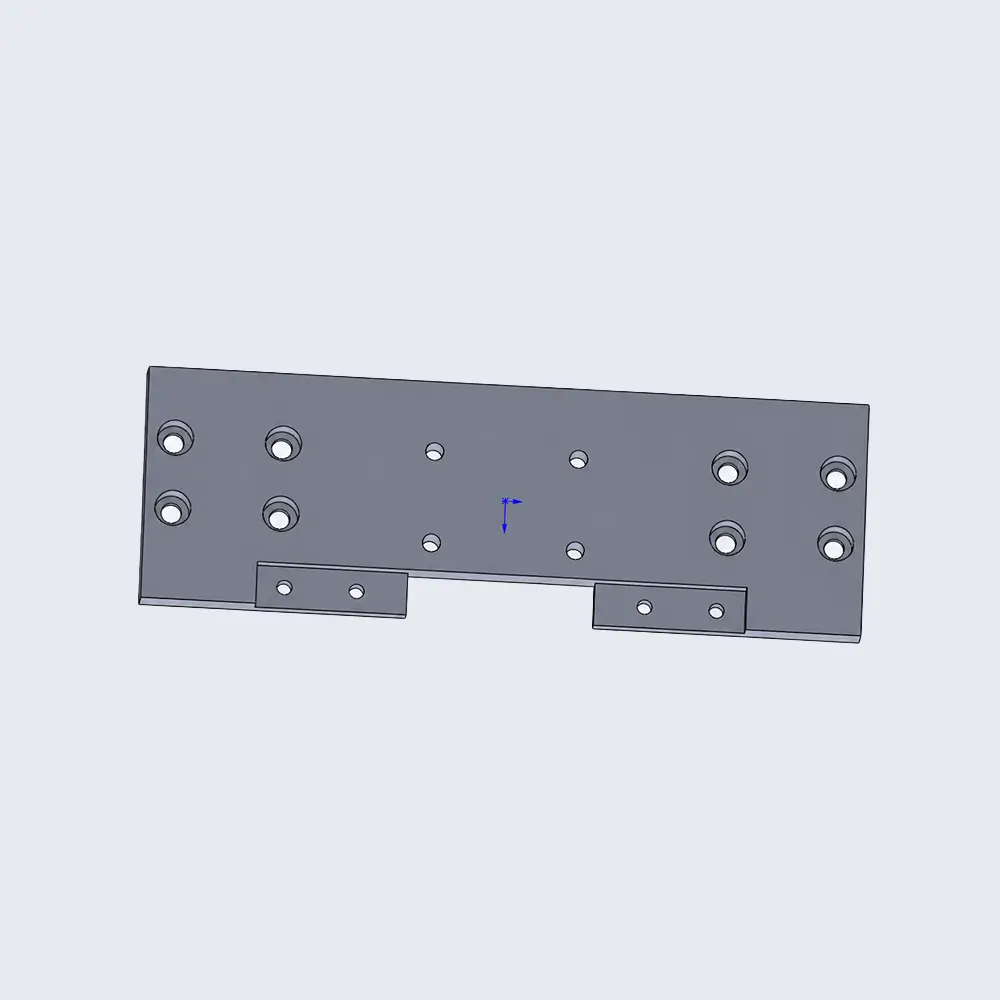
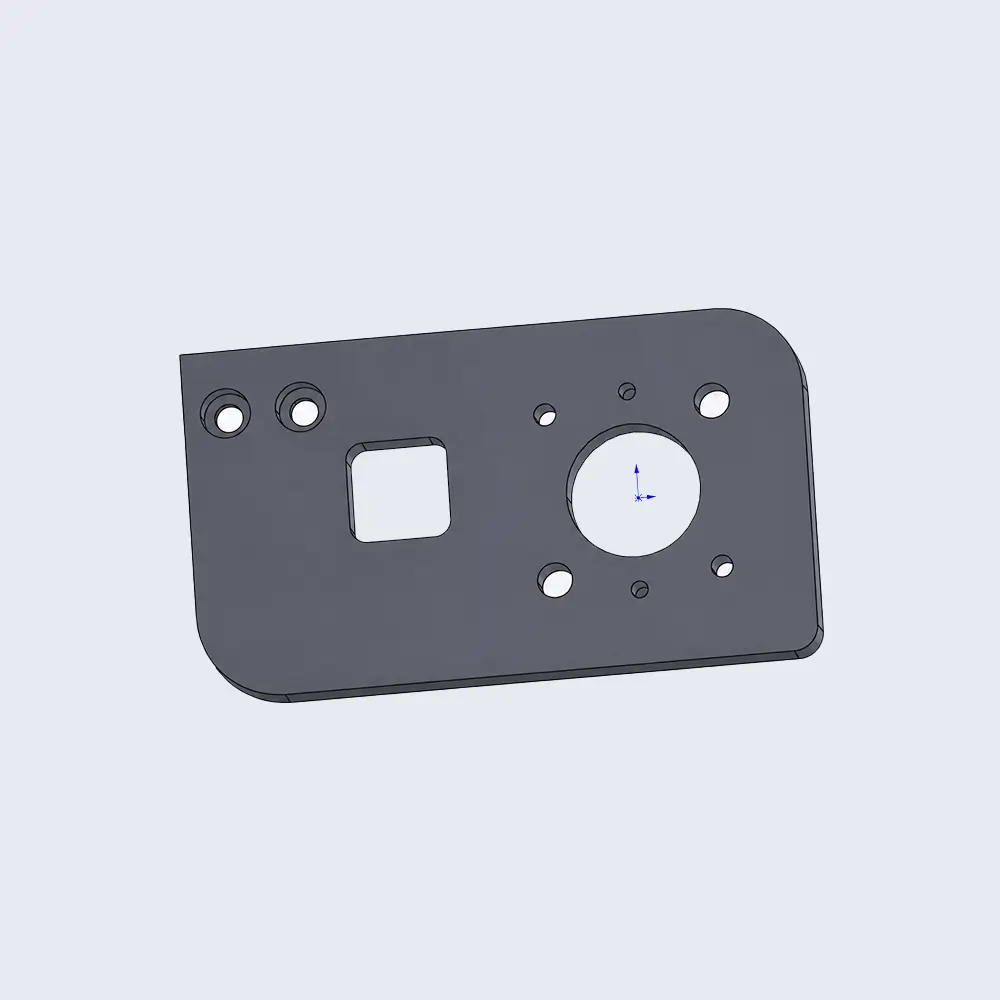
Examples of Unsupported Models
| Logo processing (UV printing / CNC engraving / Laser Marking) | Curved-surface machining | Panelization (arrayed boards) |
|---|---|---|
 |
 |
 |
| Blank plates | Fillets smaller than R0.5 | Sharp corners |
 |
 |
 |
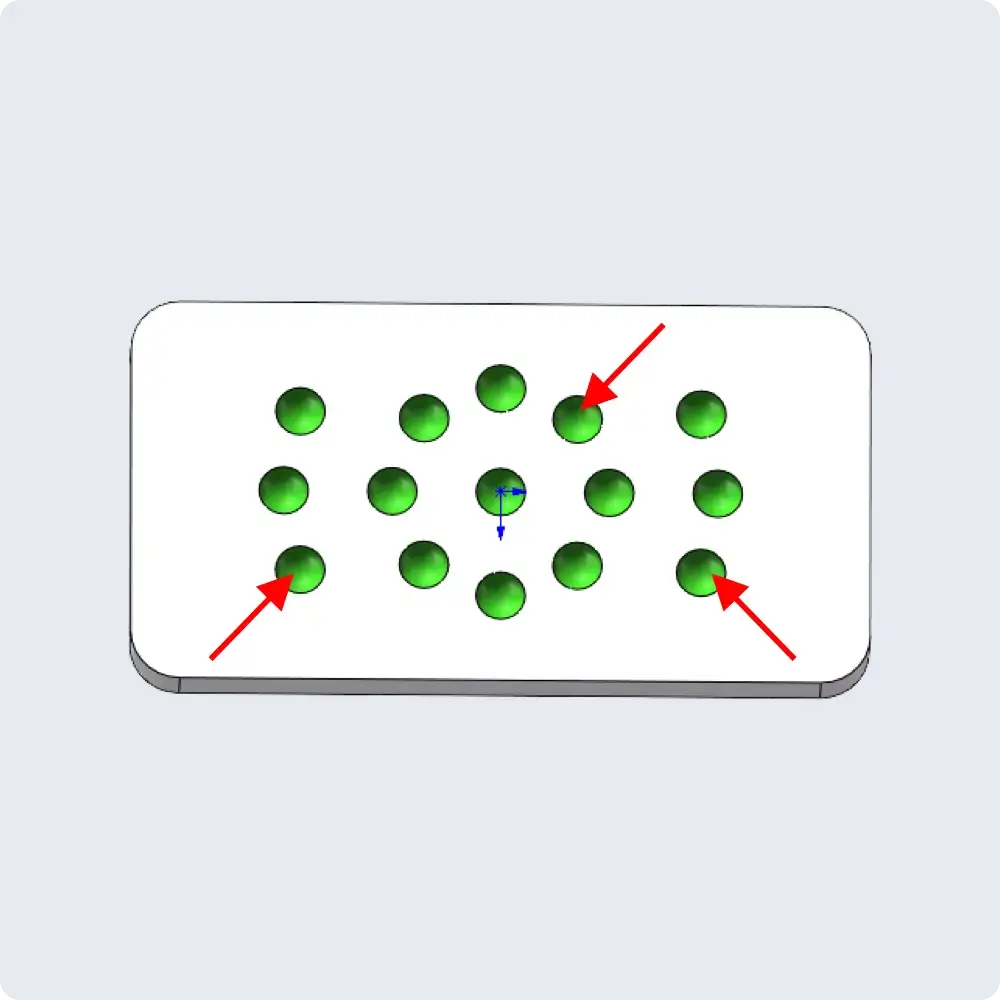
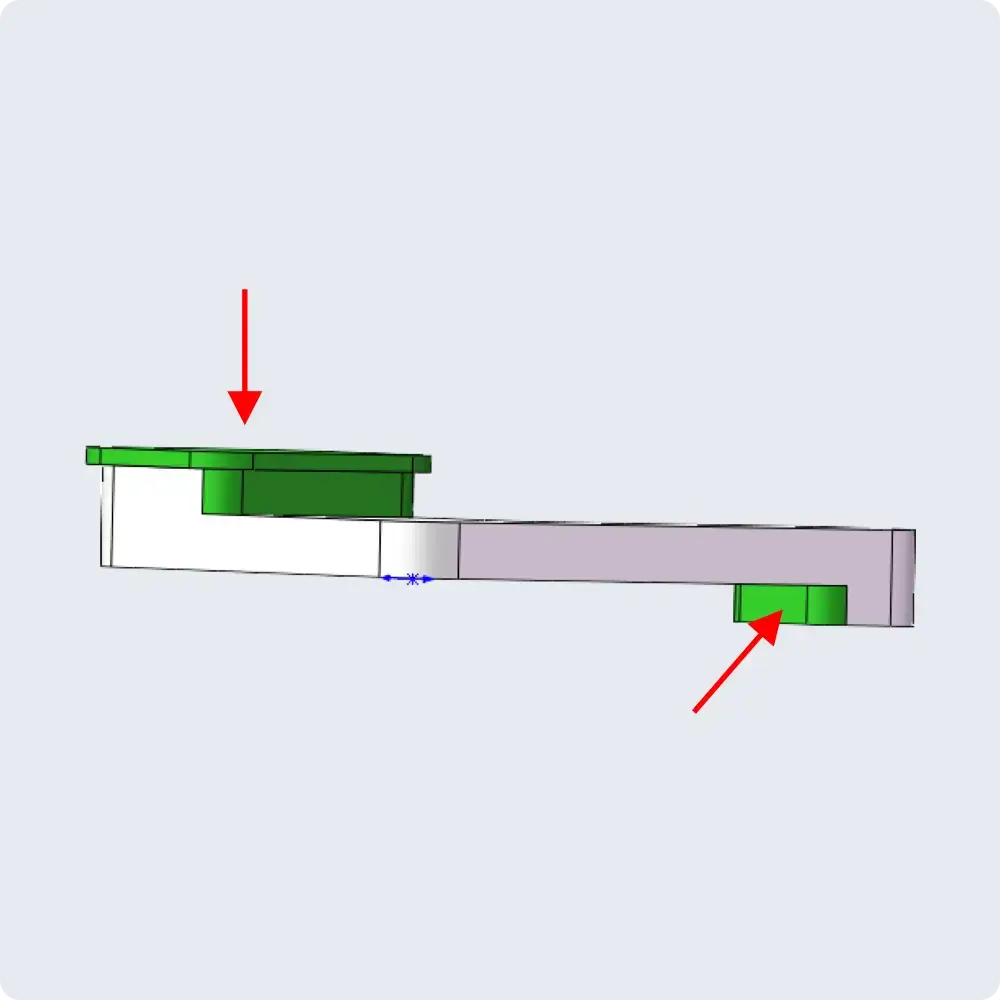
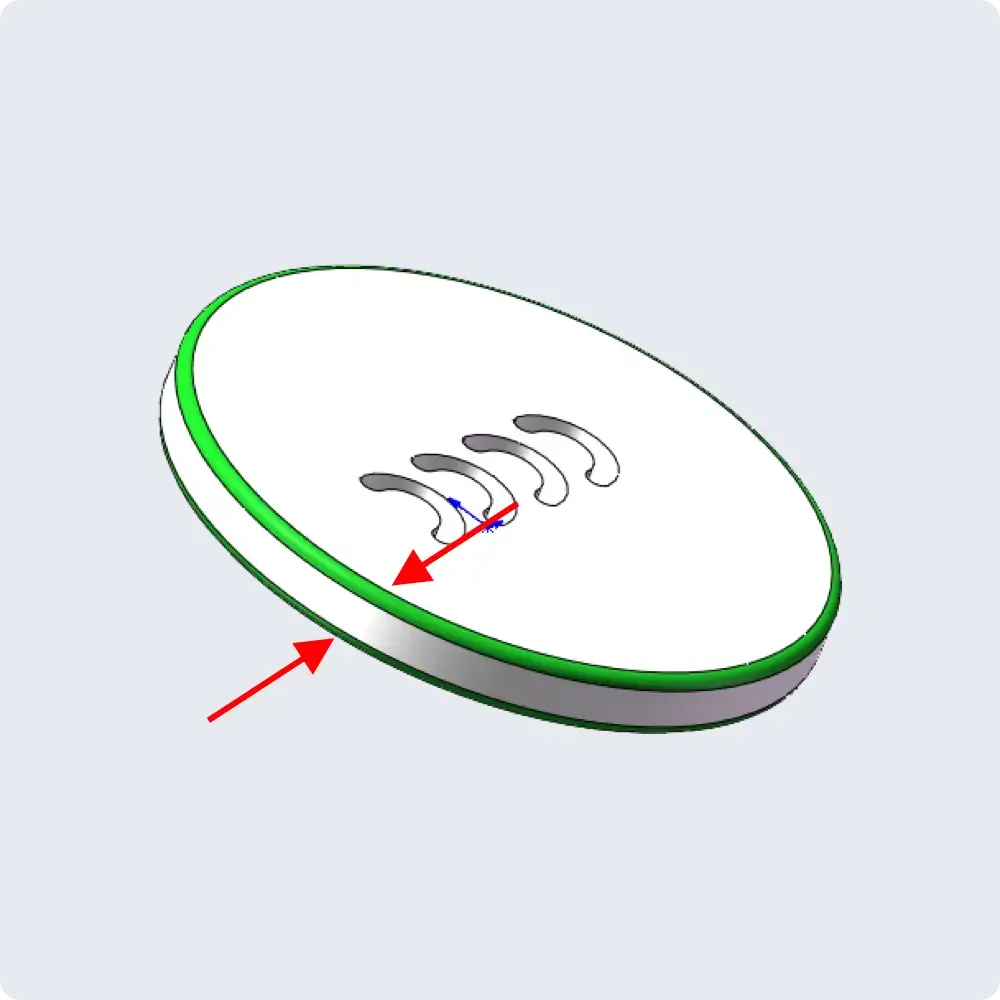
| Spherical recesses | Double-sided stepped features | Double-Sided Fillets |
 |
 |
 |
| Arc-shaped grooves | Parts with round chamfer on one side and step feature on the opposite side | Internal V-Grooves |
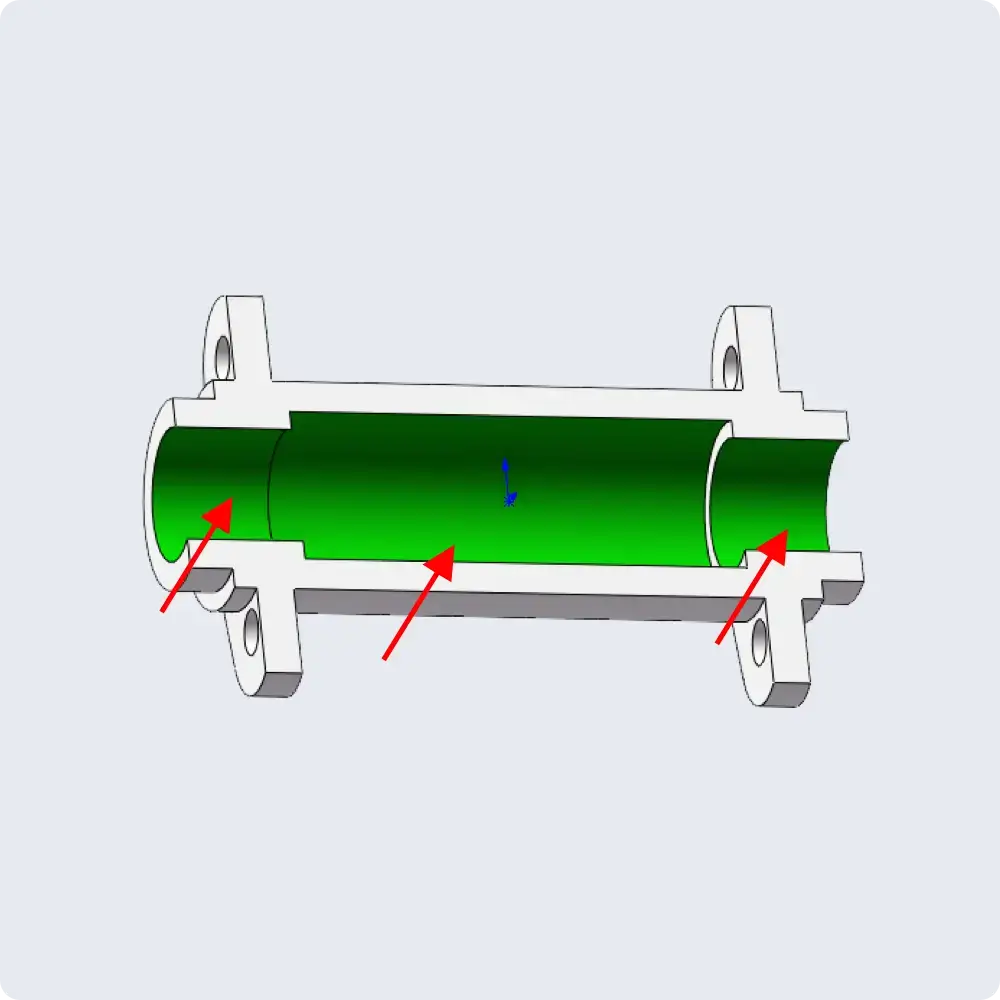 |
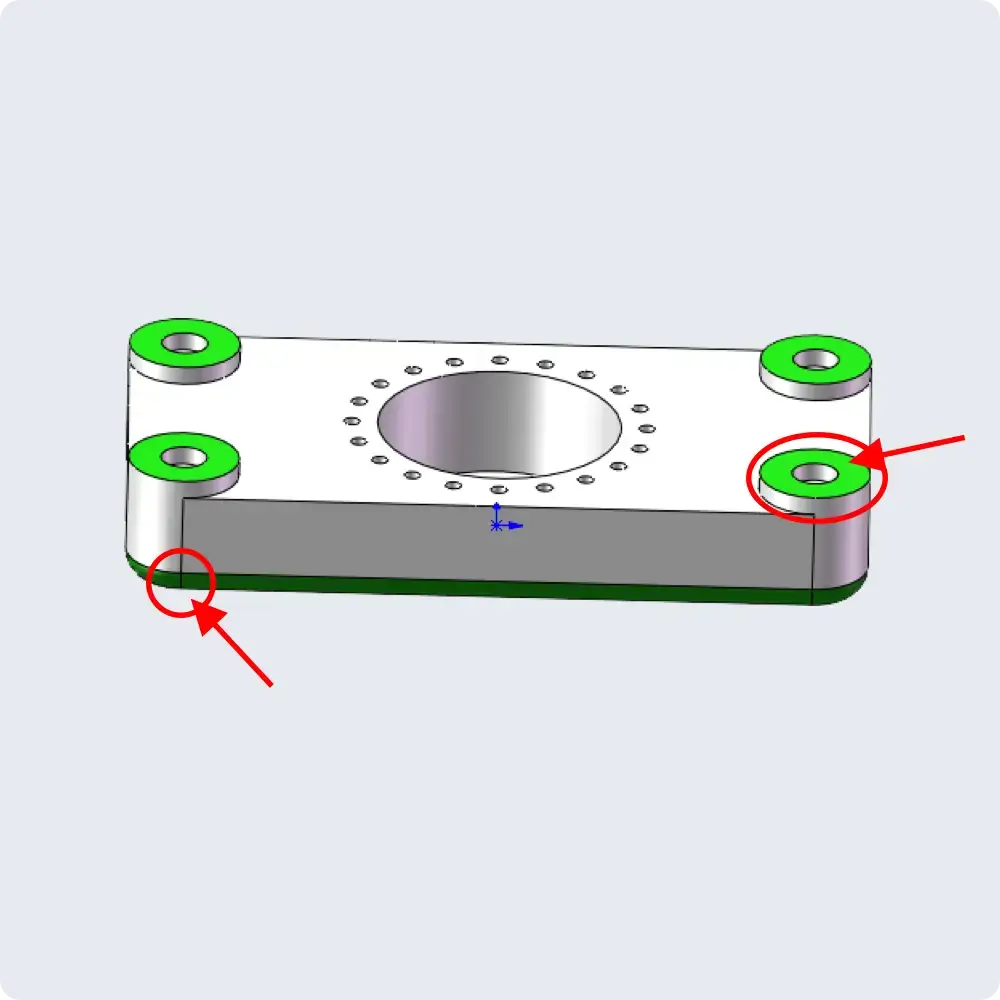 |
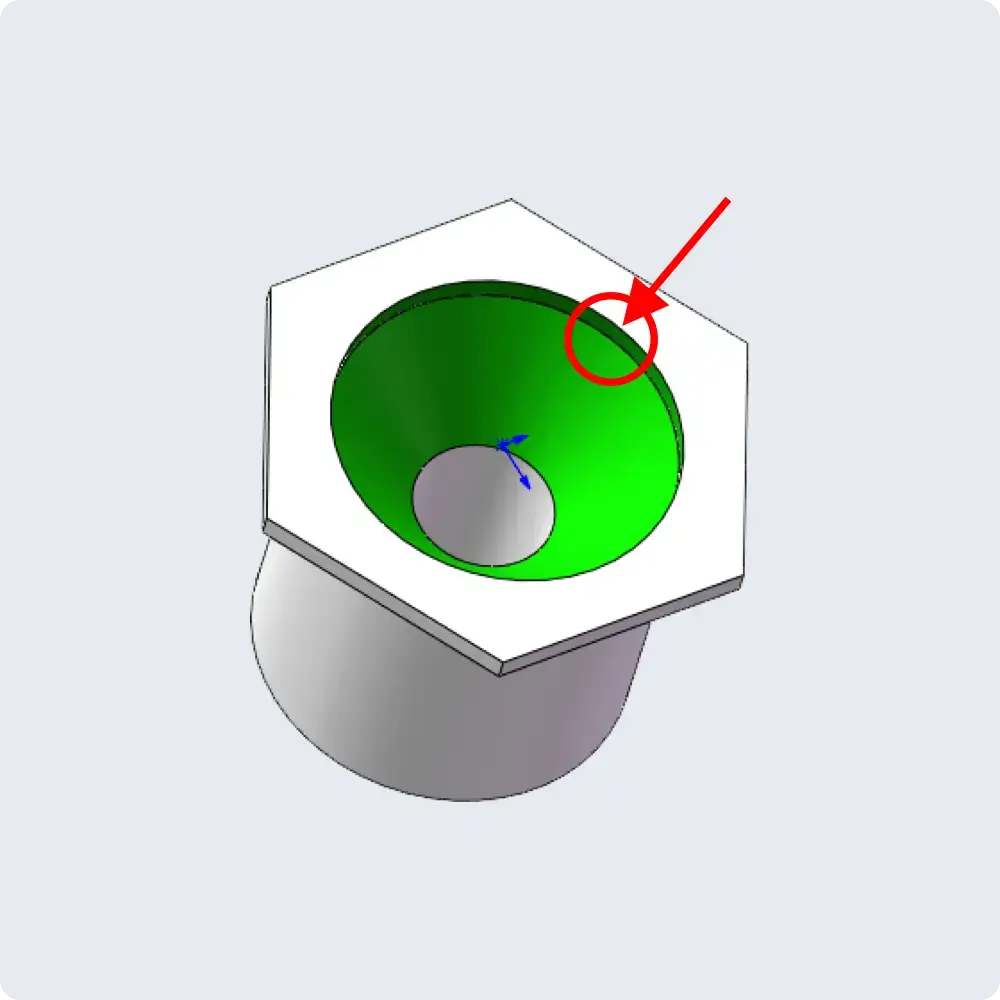 |
| Double-sided tapered structures | Cosmetic part | |
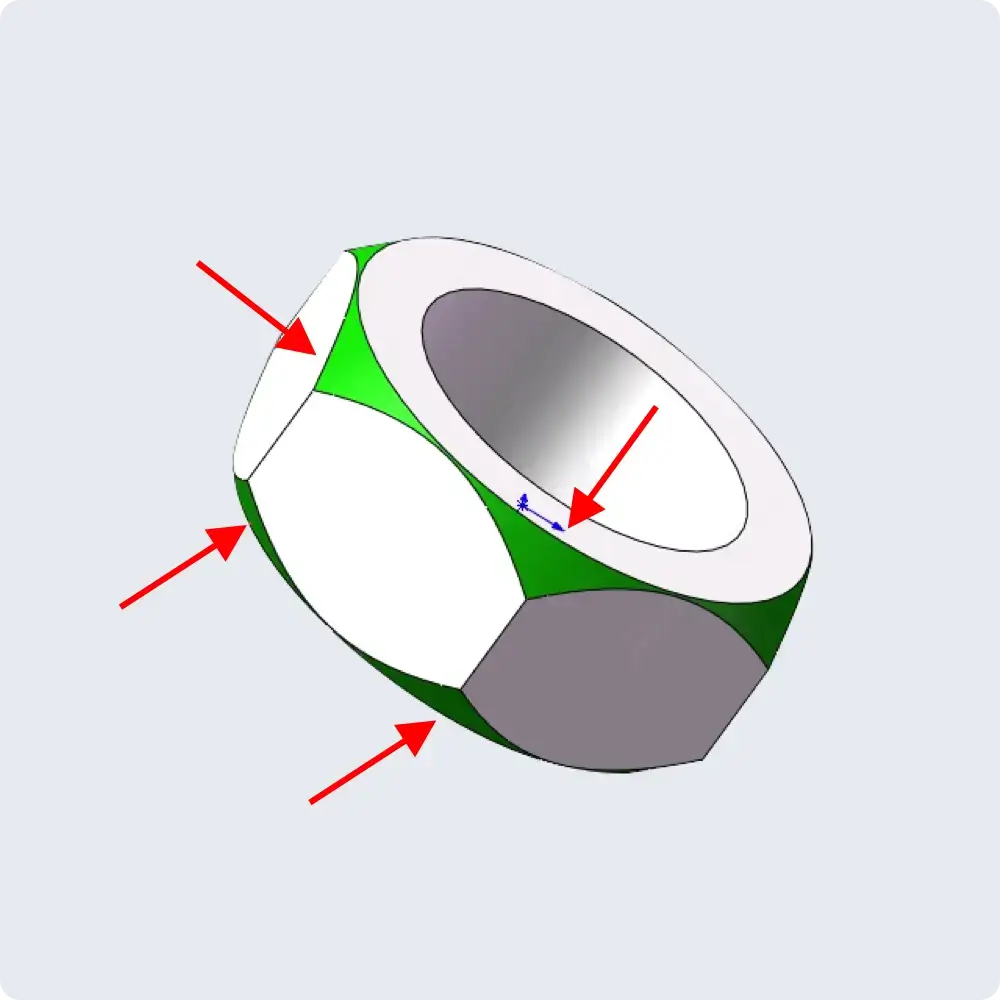 |
 |
Threads Instructions
- Do not add chamfers at the entry or bottom of threaded through‑hole bottom holes. Standard chamfers will be machined according to the corresponding thread size. Adding chamfers to the model may cause the system to fail to recognize the thread correctly.
- Do not model threads as solid geometry. Only model the thread pilot hole.
- As a general guideline, the pilot hole depth should be approximately 3× the thread major diameter, and the tapped thread depth should be approximately 2.5× the thread major diameter. For example, for an M2 thread:
Pilot hole depth: 2 mm × 3 = 6 mm
Tapping depth: 2 mm × 2.5 = 5 mm
- Thread machining is not supported for parts with thickness greater than 14 mm.
- For blind‑hole tapping, taps cannot reach the hole bottom. The machined effective thread depth will have a depth tolerance of approximately one thread diameter. Please design the thread engagement length reasonably (engagement length of 1‑2× diameter is recommended).
Design example: For an M3 thread, if the hole depth in the 3D model is 7.5 mm, the actual effective thread depth may be approximately 5–6 mm. Design screw insertion depth at 4‑5 mm.
Simulation Model Instructions
The simulation model represents the expected geometry of the part after machining. By comparing it with the user model, you can identify areas where material has been overcut or remains unmachined.
Important Notes
The current simulation model does not reflect secondary machining, EDM, wire cutting, or other processes. Please disregard any remaining material at the bottom of the part, clamping features, and other details that may not be represented in the simulation model.
Please check whether the features in the simulation model match your expectations, particularly for missing features, residual sharp corners, or other potential issues. If you identify any problems, please contact us at support@jlcpcb.com.
Overcut (Red): Indicates areas where the tool removes more material than intended. Typical examples include oversized internal holes or pockets, undersized external diameters or bosses, and local geometric deviations caused by excessive cutting.
Residual Material (Blue): Indicates areas where material remains after machining. Typical examples include residual material in internal holes, pockets, cylinders, and bosses, as well as locally missed or incompletely machined features that have not reached the specified dimensions.